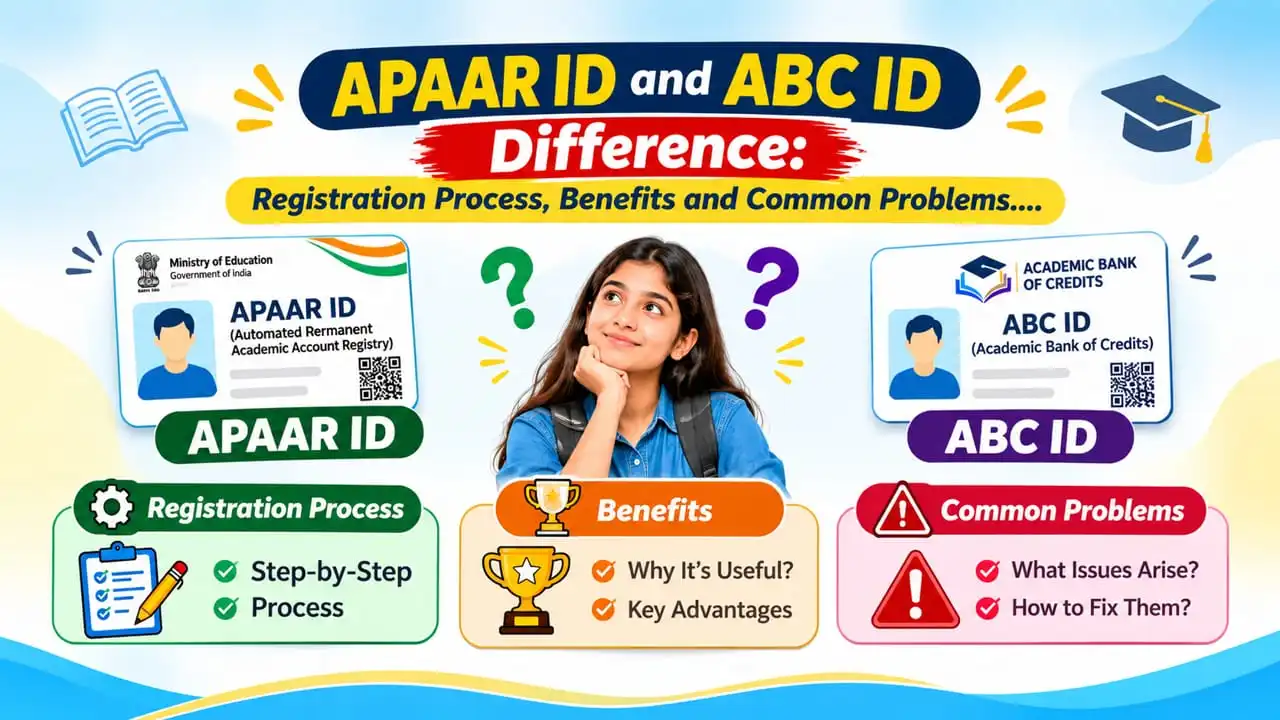
APAAR ID and ABC ID Difference: Registration Process, Benefits and Common Problems
Learn the APAAR ID and ABC ID difference, official registration links, required documents, step-by-step application process, benefits and solutions to common registration problems.
Introduction
Academic Record Management has become simpler for students across India with the advent of digital learning. APAAR (Automated Permanent Academic Account Registry) and ABC (Academic Bank of Credits) are two important initiatives introduced to support this transformation. Although both are connected with digital academic records, their purposes are different. APAAR offers students a lifetime academic identity, while ABC helps organize, accrue, and award eligible academic credit. It is important to understand the distinction between APAAR ID and ABC ID so that school and college students can use these facilities appropriately.
1. What Is an APAAR ID?
APAAR is an Automated Permanent Academic Account Registry. It is a Government initiative, under the Ministry of Education, which gives the Student a unique 12 digit Academic Identification Number. The main function is to keep a student's academic identity digital and consistent across his or her academic path. Official website: https://apaar.education.gov.in/
2. What Is ABC ID?
ABC is an Academic Bank of Credits. It is a digital platform created to enable the earning, storage, transfer and redemption of valid academic credit gained by students from recognised higher education institutions.
It is aligned with the National Education Policy (NEP) 2020 and promotes flexible learning experiences. Official website: https://www.abc.gov.in/
3. APAAR ID and ABC ID Difference
APAAR and ABC have tight linkages but have different roles in the digital education landscape in India. APAAR creates the students' academic identity and ABC is the framework for handling eligible academic credits.
Basis | APAAR ID | ABC ID |
|---|---|---|
Full | Automated Permanent Academic Account Registry | Academic Bank of Credits |
Main purpose | Establishes academic identity | Stores and facilitates transfer of credits |
Primary function | Identifies students digitally | Stores and facilitates transfer of credits |
Identification | Unique 12-digit student ID | Associated with the student's academic credit account |
Coverage | School and higher education records | Primarily higher education credits |
Integration | Connected with DigiLocker and ABC | Integrated with the APAAR ecosystem |
Main benefit | Consolidated academic identity | Flexible academic credit management |
4. Documents Required for APAAR ID and ABC ID
The required information depends on the student's educational level and registration method. For school-level APAAR registration, students generally need:
Aadhaar card for identity verification.
Full name and date of birth.
Parent or guardian details.
Permanent Education Number (PEN).
Parental consent for minor students.
5. How to Create APAAR ID and ABC ID
ABC ID Registration
Visit https://www.abc.gov.in/.
Select the student registration or login facility.
Continue through the available DigiLocker authentication option.
Complete the required verification using the registered credentials.
Provide or verify the APAAR ID and academic information requested.
Complete the registration instructions displayed on the portal.
Access the account and check the academic credit information uploaded by the institution.
6. Common APAAR ID and ABC ID Problems and Their Solutions
Students may find it difficult to register, log into their accounts or be unable to enter credits. The below table describes some common issues and what to do next.
Problem | Possible Reason | Recommended Solution |
|---|---|---|
APAAR ID generation failed | Mismatch in Aadhaar and school records | Contact the school to verify and correct UDISE+ information. |
Incorrect name or date of birth | Different personal details across records | Request correction from the authority maintaining the incorrect record. |
PEN number unavailable | Incomplete school database information | Ask the school administration to verify the PEN details. |
APAAR ID not visible in DigiLocker | Generation or document synchronisation pending | Check the generation status with the school and revisit DigiLocker. |
OTP not received | Network issue or incorrect registered number | Verify the mobile number and retry authentication. |
ABC account inaccessible | DigiLocker authentication problem | Retry through the official ABC portal and check account credentials. |
Academic credits missing | Institution has not uploaded eligible credits | Contact the college's ABC nodal officer for verification. |
Institution not appearing | Incorrect institution information or registration status | Confirm the institution's ABC participation and details with the administration. |
Official guidance is available through https://apaar.education.gov.in/ and https://abc.gov.in/.
8. Important Guidelines Before Registration
Students are encouraged to double check their personal and academic information before submitting registration requests. The enrolment in APAAR is by consent, parental consent is required for minor students. Making an APAAR ID does not automatically imply that all academic credits are made available in the ABC account, this has to be done by the concerned institution.
Information verification date: 18 November 2026. Portal instructions and registration procedures may change; students should check the official websites before applying.

About the author
Kajal
Senior Content Writer
Kajal is a content writer with 2 years of experience in creating clear, engaging and reader-friendly content. She specialises in website content, blog articles and informative writing. Her approach focuses on research, readability, accuracy and SEO-friendly content. With an academic background in Arts (Economics), she aims to present information in a simple, well-structured and accessible way, helping readers understand topics easily and find answers to their queries.